

Until May 2026, we’ve successfully run training courses for students looking to get into the amateur radio (ham radio) hobby using the Canvas classroom. In May 2026, that all changed. Canvas was hit by a major cyber attack around the 7th of May, and as a result, our courses have not been available. At the time of writing, two weeks later, there is an announcement showing that “Free for Teachers” logins are still suspended, which is all of our students as well as the trainers.
Moving from Canvas
Two weeks is too long without updates about the future of free accounts for Canvas. There are rumours that Canvas may pull the plug on the free service completely, and the lack of updates is frustrating. We had a similar problem several years ago when Schoology stopped its free offering – although with Schoology, at least we had notice and the option to access courses and backups whilst the service was gracefully closed.
So, we’ve had to move, and this time, we wanted something that we could own, rather than relying on a third-party. We looked at Moodle, which is excellent but comes with a steep learning curve. In the end, we settled for two systems: TutorLMS and ‘Quiz & Survey Master’
Our new home
We already host our websites on WordPress, and have low-cost web hosting with Ionos, so we were some of the way there already. We installed a second version of WordPress, so we could keep our main site www.essexham.co.uk and have courses.essexham.co.uk for the course area. With WordPress running, it was time to install the classroom
Tutor LMS
There were a few plug-ins for WordPress, and we tried 3 or 4 before settling on TutorLMS, partly due to the simple interface, partly due to the look and feel, and partly due to the features. We now have our course running, and here are a few screenshots:
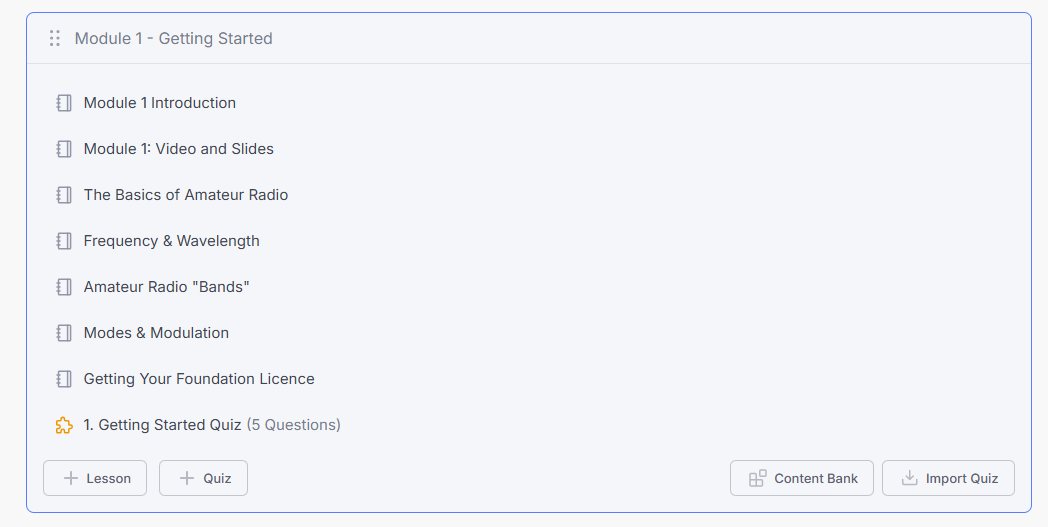
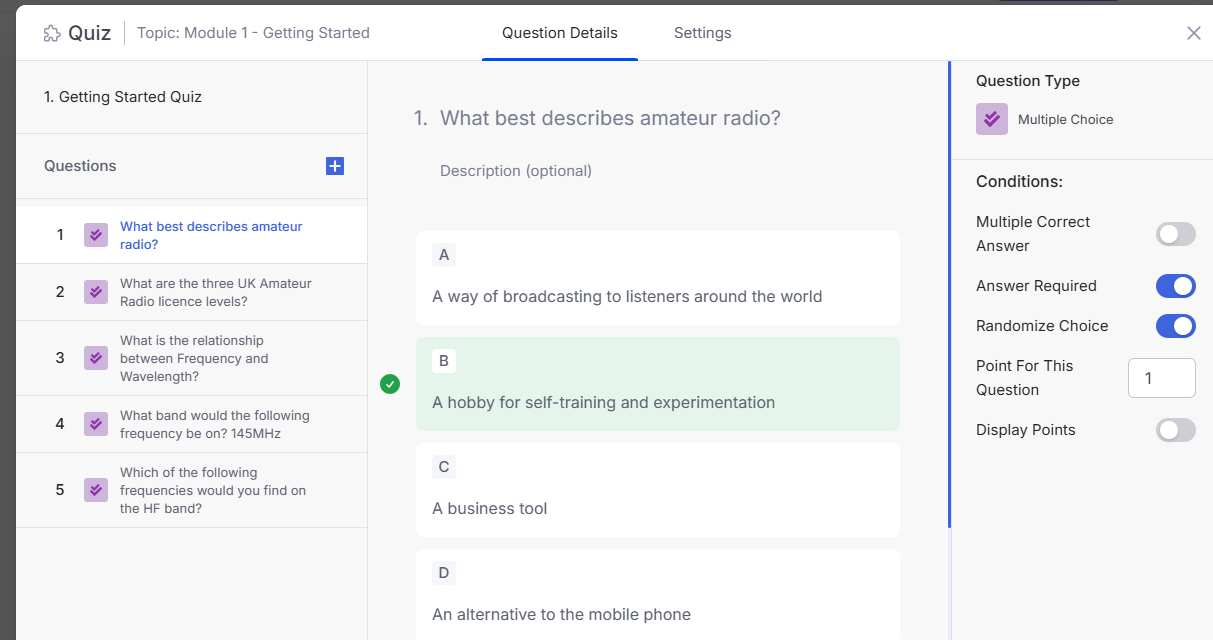
We found TutorLMS offered us a load of advantages too – we could keep the class look-and-feel similar to our brand, make quite a lot of tweaks, and offer extras such as self-enrol, and the option to monetise courses.
TutorLMS has a free version, but after a week, we upgraded to “Individual” ($199 a year), mainly for things like Content Bank and Drip course, plus it’s not an unreasonable amount. See what they offer here: TutorLMS
Quiz & Survey Master (QSM)
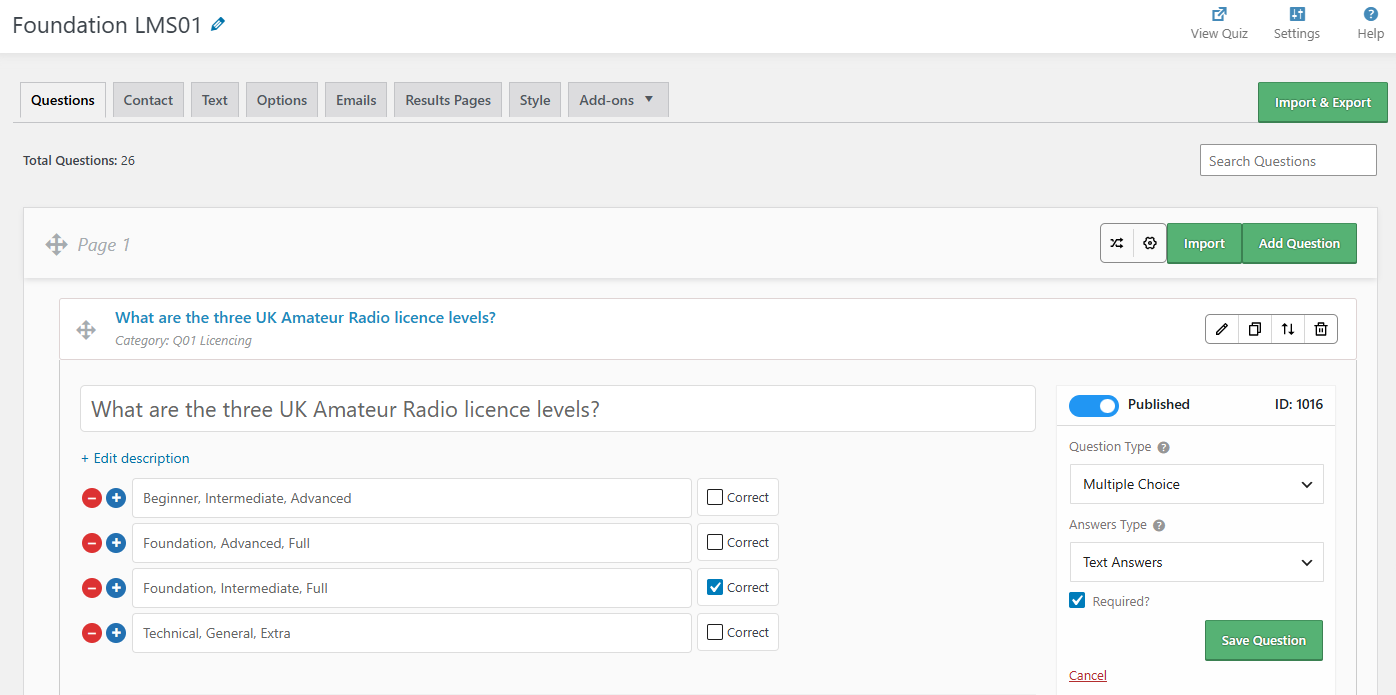
We have a pool of 400 mock questions, and sadly, this was where TutorLMS was lacking. QSM is lacking too, but using Tutor LMS for courses and quizzes, plus QSM for mocks, was the winning combination, as QSM handled mock tests pretty well. Again, although a free version was available, we wanted the student dashboard feature, so purchased. We also loved the option of students getting an email of their test results, plus a dashboard to see and review results.
Take a look here: Quiz & Survey Master. Here are a couple of screenshots:
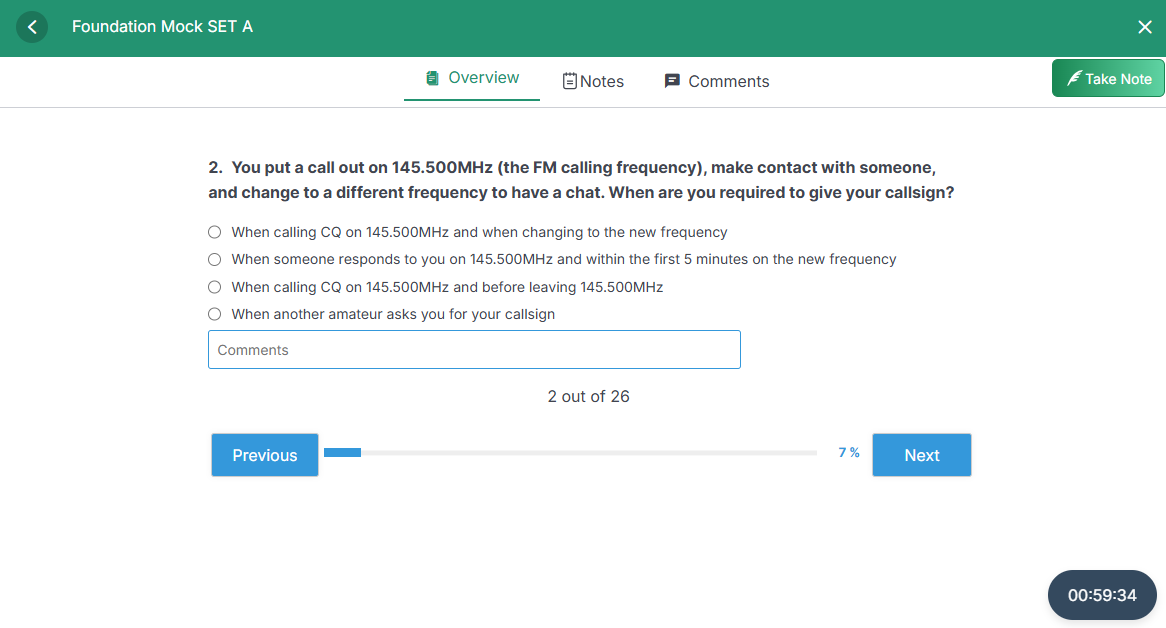
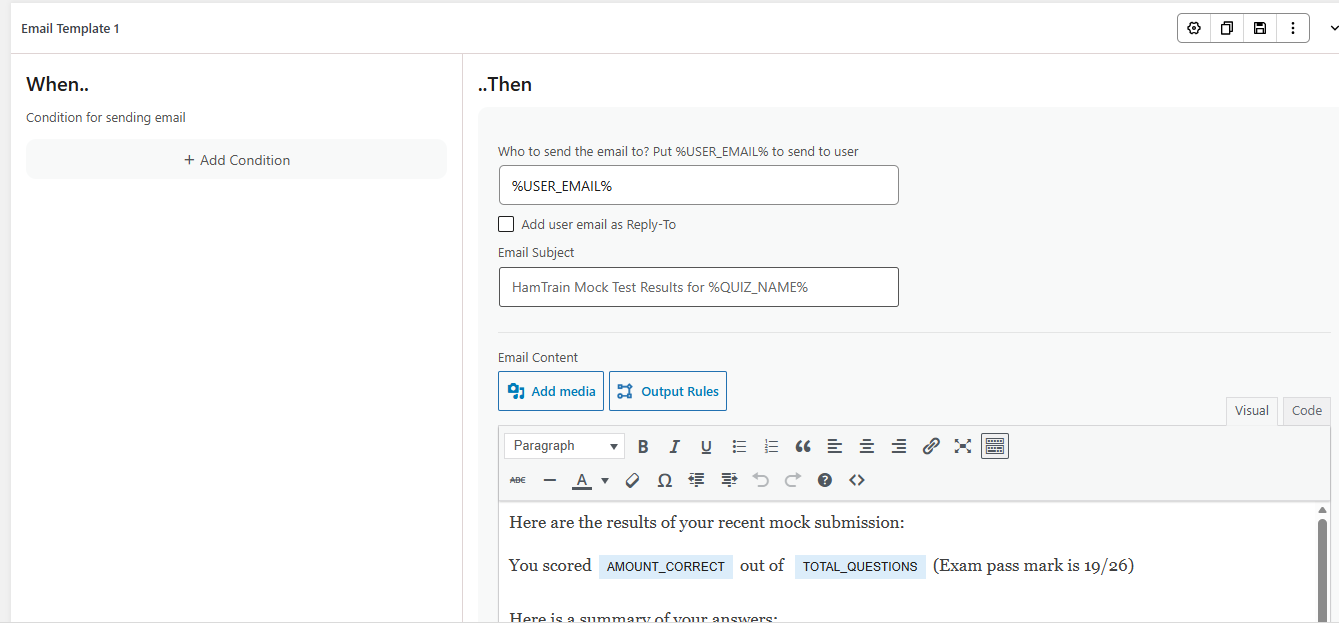
Migrating data to TutorLMS and QSM
This was the challenge, as we had no access to Canvas to export data. What we did have, was an old backup file from Canvas, in .imscc file format. Although out-of-date, it was close. Without that, we’d have been 100% stuffed. Neither TutorLMS nor QSM supported imscc import (although Moodle apparently does).
The saviour for us, was ChatGPT. It was able to read the imscc file and see all of our course data, question bank and quizzes. QSM can import CSV, and ChatGPT created an export csv that worked on the second attempt, so our questions were there. Sadly. QSM can’t create random mock papers in our structure… Canvas was very good at that, but not so for our two new choices, so we’ve had to create manual mock tests. Getting lessons into TutorLMS was harder, due to the lack of converters, but we were able to get there, again thanks to ChatGPT. This time, it was a case of ChatGPT creating an import plug-in and getting the importer to paste data direct into the SQL database in the same format as TutorLMS. It involved a lot of trial and error, but we got there, and most of the content, including images, could be moved over and used. The trick was to map _tutor_course_id _tutor_topic_id and post_parent correctly, taking SQL backups after each attempt until things started to come together.
No idea if the above helps anyone. Happy to answer any questions via the comments section below. If you decide to purchase from TutorLMS or QSM, please use the links on this page, as we get a small affiliate payment for referring people to them. The page wasn’t written to make us money, more to help others like this recover from the Canvas mess, but purchasing using these links helps us recoup our costs of the migration from Canvas.
Anyone else in the same boat? Good luck and add a comment below!